Nioh 3 Digital Deluxe Edition

In the third game in the dark samurai action RPG series Nioh, you will need to use both Samurai and

TITLE: Nioh 3 Digital Deluxe Edition

DEVELOPER: KOEI TECMO GAMES CO., LTD.

PUBLISHER: KOEI TECMO GAMES CO., LTD.

RELEASE DATE: 6 Feb, 2026

GENRE: Action, Action RPG, RPG, Souls-like, Open World

REPACK SIZE: 57 GB

FINAL SIZE: 115 GB

REPACK BY: DODI

  • Minimum:
      • Requires a 64-bit processor and operating system
      • OS: Windows® 11
      • Processor: Intel Core i5-10400, AMD Ryzen 5 2600 6 cores / 12 threads or higher
      • Memory: 16 GB RAM
      • Graphics: NVIDIA GeForce GTX 1060 VRAM 6GB, AMD Radeon RX 5600 XT (Rev. 2.0) VRAM 6GB
      • DirectX: Version 12
      • Network: Broadband Internet connection
      • Storage: 125 GB available space
      • Sound Card: 48000Hz 16bit Stereo
      • Additional Notes: Multi-channel memory configuration recommended. SSD is required. Gameplay performance may be affected if the SSD’s performance is insufficient. Playable at 1080p / 30fps using the ‘Lightest’ graphics preset (with upscaling). Frame generation is supported. Note: Complies with Windows® 11 system requirements.
     
    Recommended:
      • Requires a 64-bit processor and operating system
      • OS: Windows® 11
      • Processor: Intel Core i5-10600K, AMD Ryzen 5 5600X 6 cores / 12 threads or higher
      • Memory: 16 GB RAM
      • Graphics: NVIDIA GeForce RTX 3060 Ti VRAM 8GB, AMD Radeon RX 6700 XT VRAM 12GB
      • DirectX: Version 12
      • Network: Broadband Internet connection
      • Storage: 125 GB available space
      • Sound Card: 48000Hz 16bit Stereo
      • Additional Notes: Multi-channel memory configuration recommended. SSD is required; NVMe SSD recommended. Playable at 1080p / 60fps using the ‘Standard’ graphics preset (with upscaling). Frame generation is supported. Note: Complies with Windows® 11 system requirements.

1- Run the installer as administrator
2- Click on the page
3- Press the up arrow on your keyboard
4- Click Install
5- Click Continue
6- Select installation destination
7- Click Next
8- Select component
9- Install

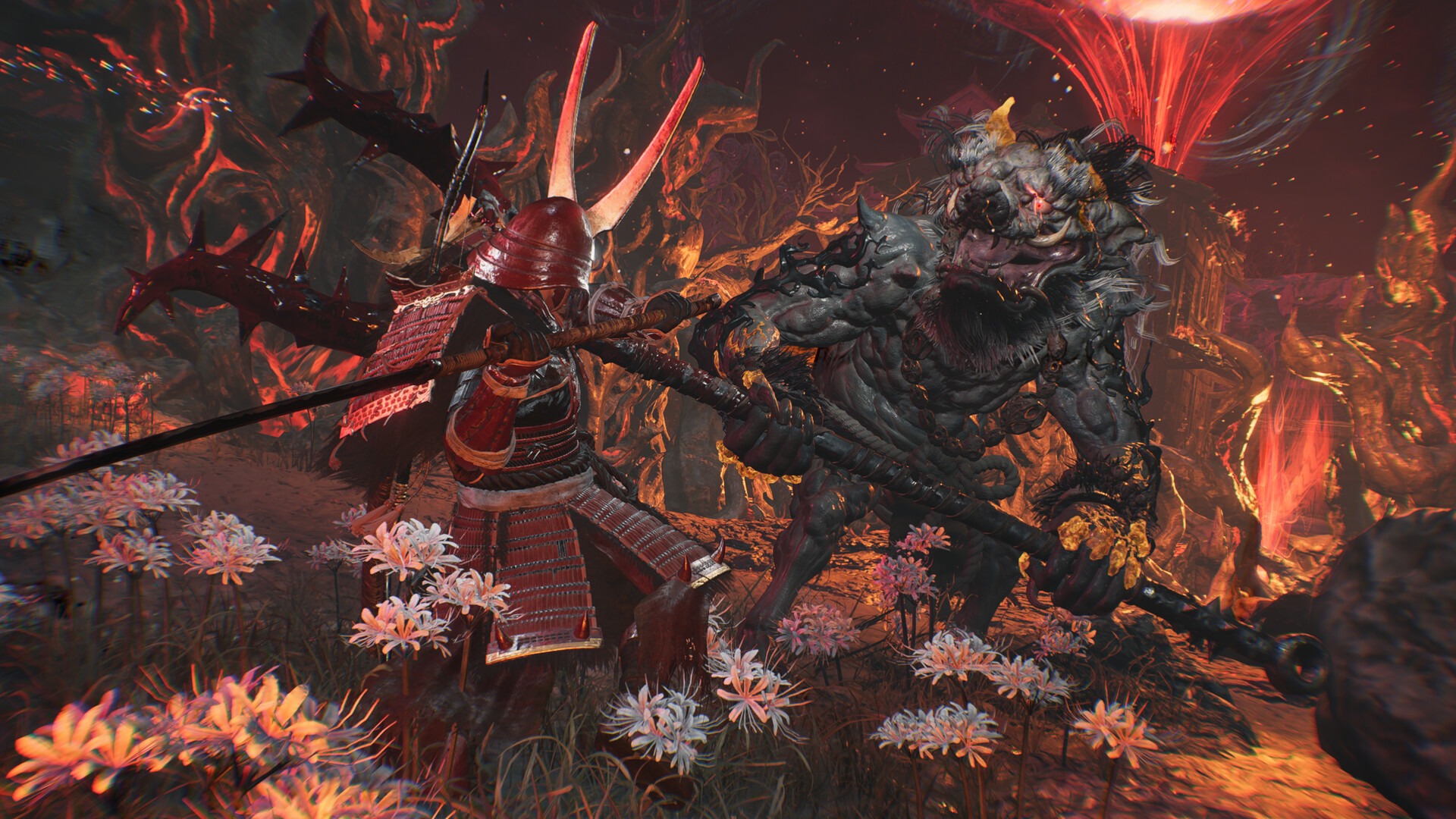
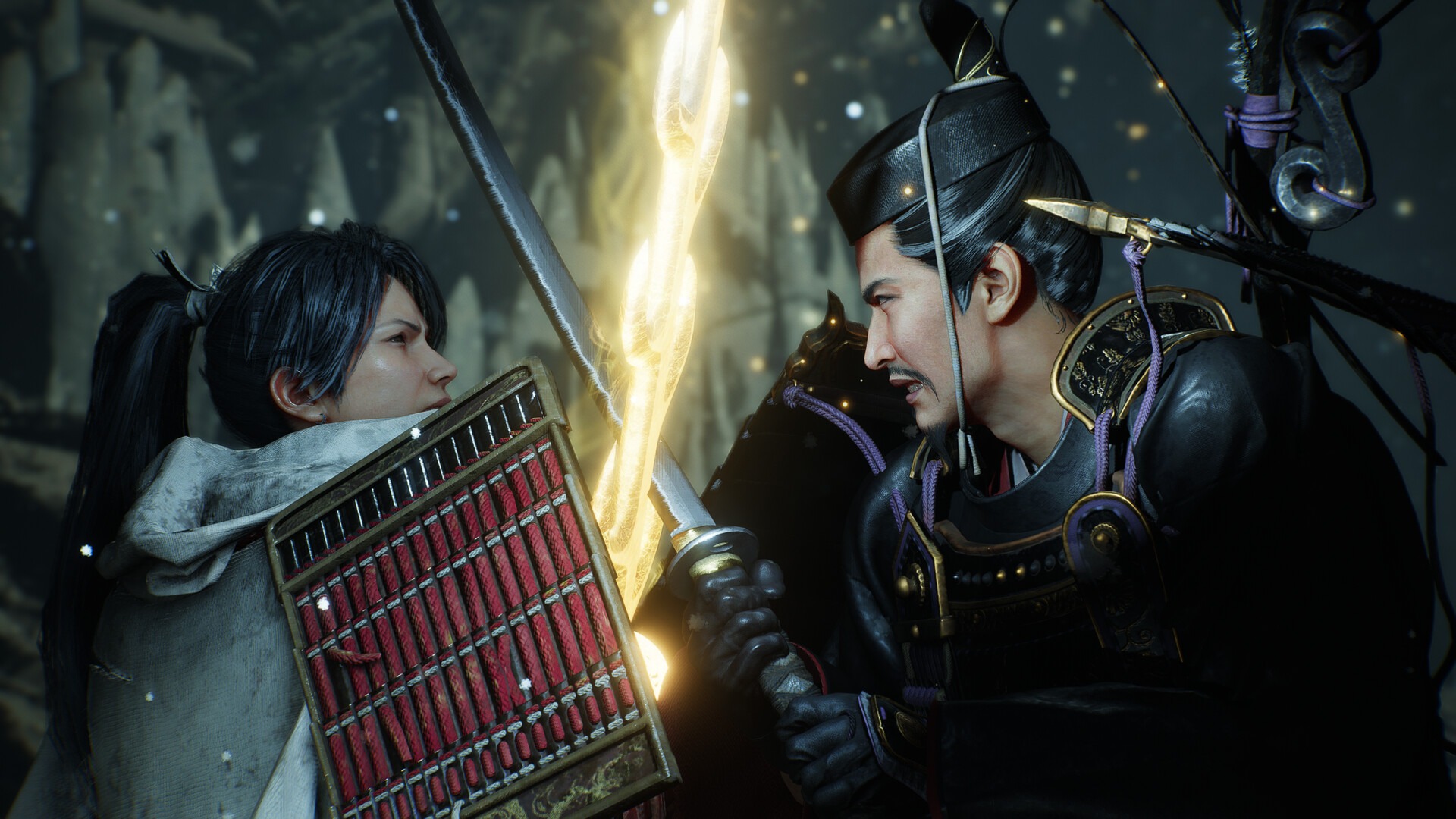
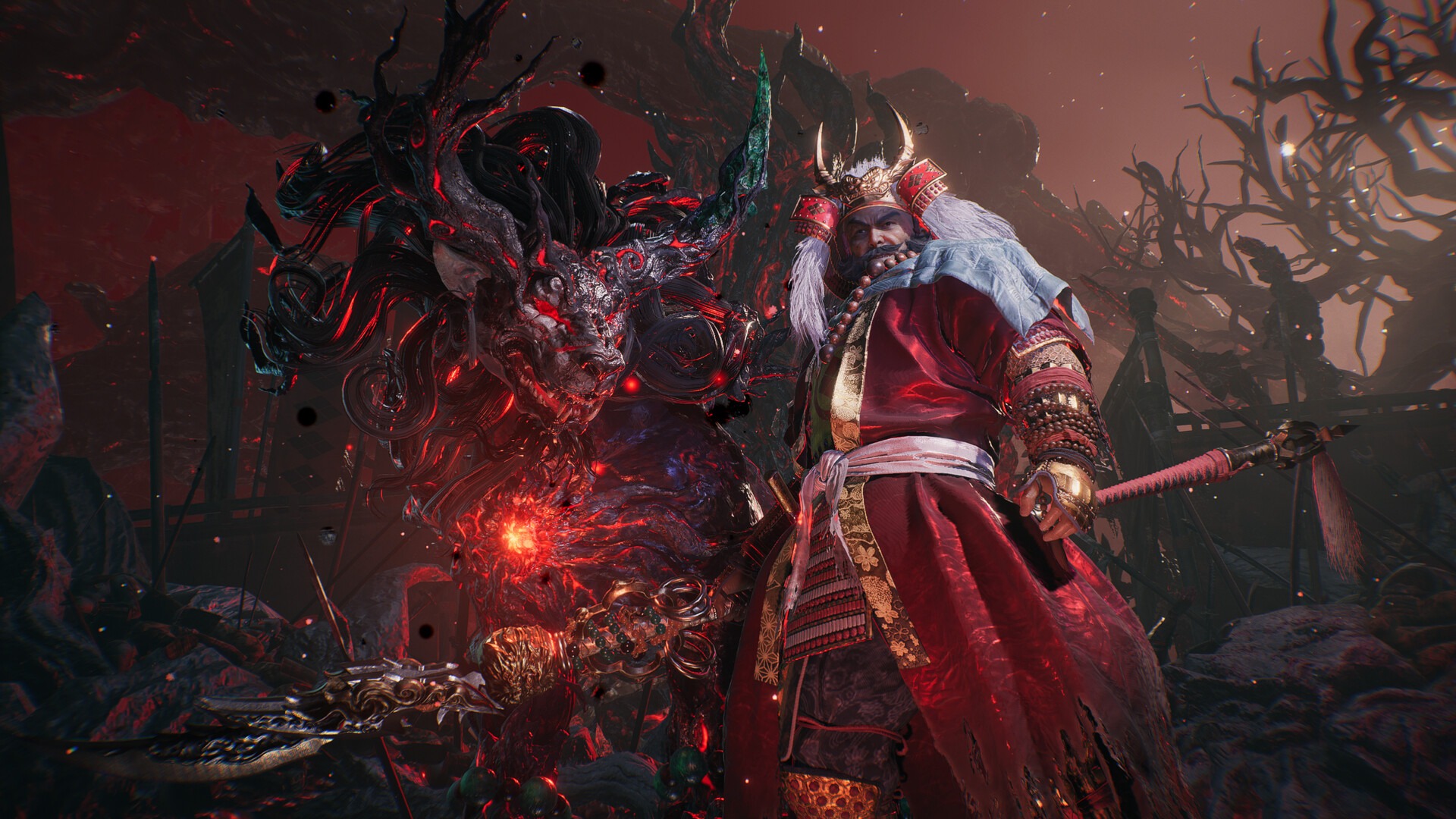
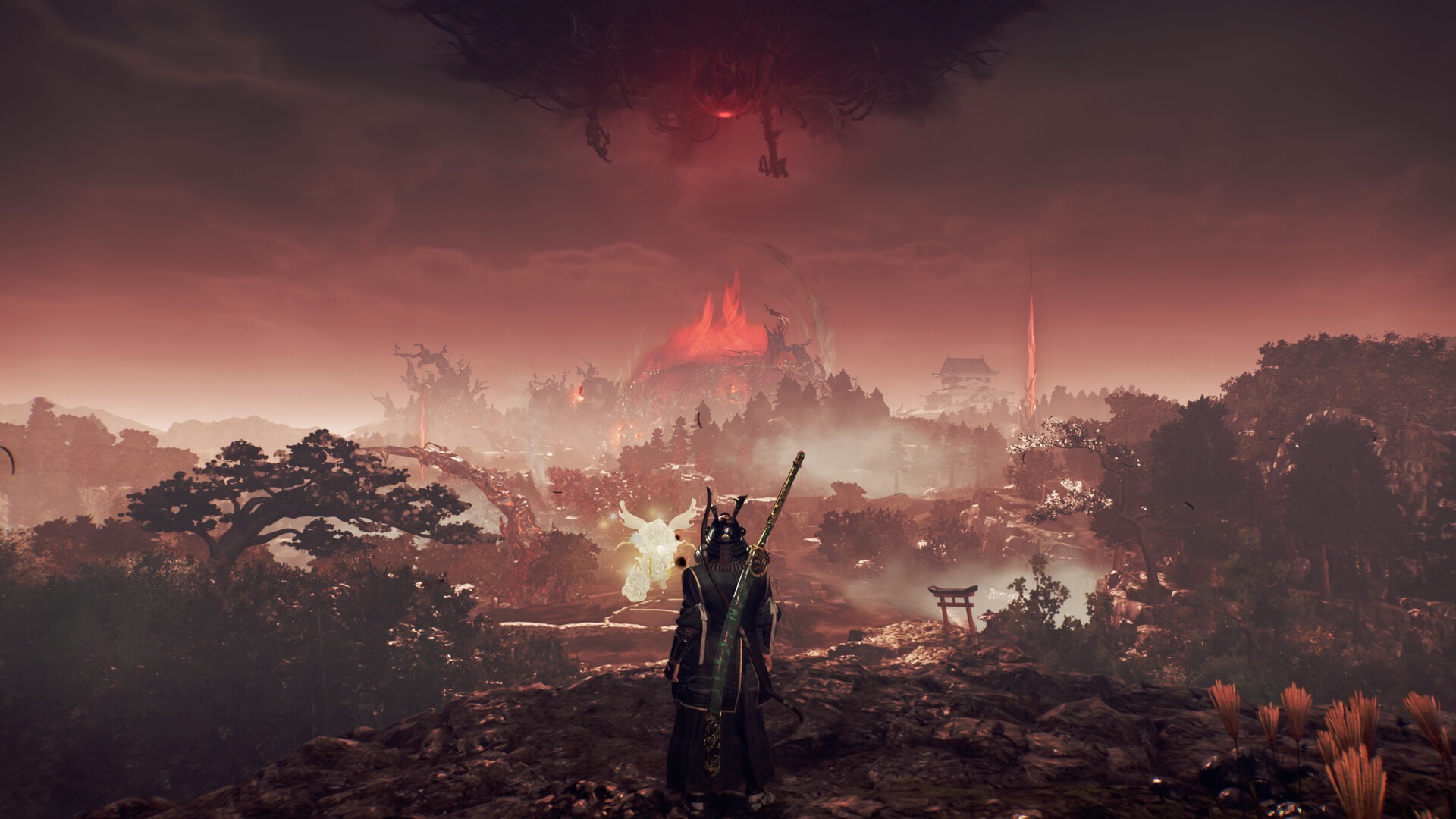
SCREENSHOTS

DOWNLOAD LINKS

DISCUSSION

4.7 3 votes
Article Rating
Subscribe
Notify of
guest
0 Comments
Oldest
Newest Most Voted
Inline Feedbacks
View all comments