TEKKEN 8 Ultimate Edition

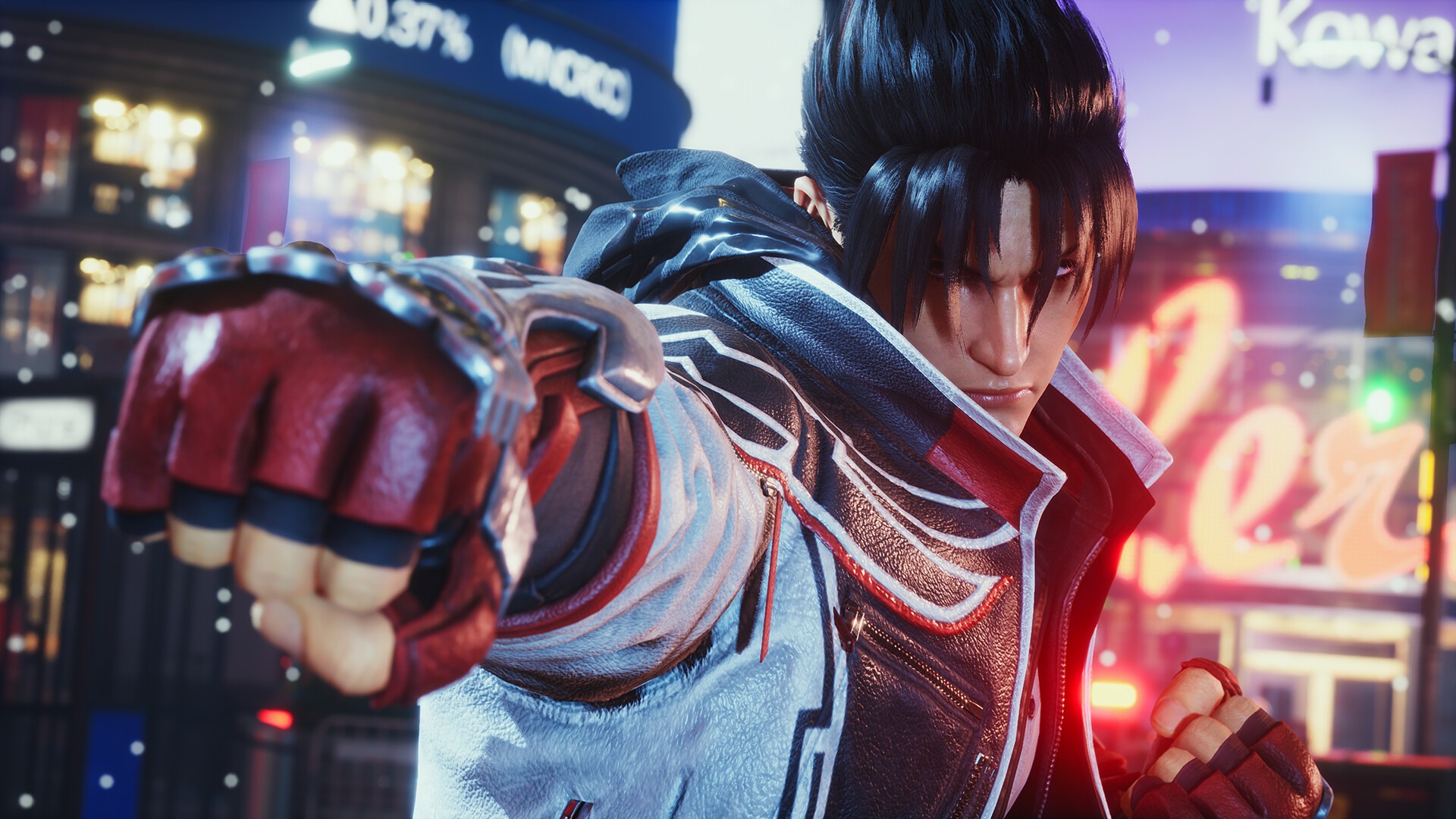
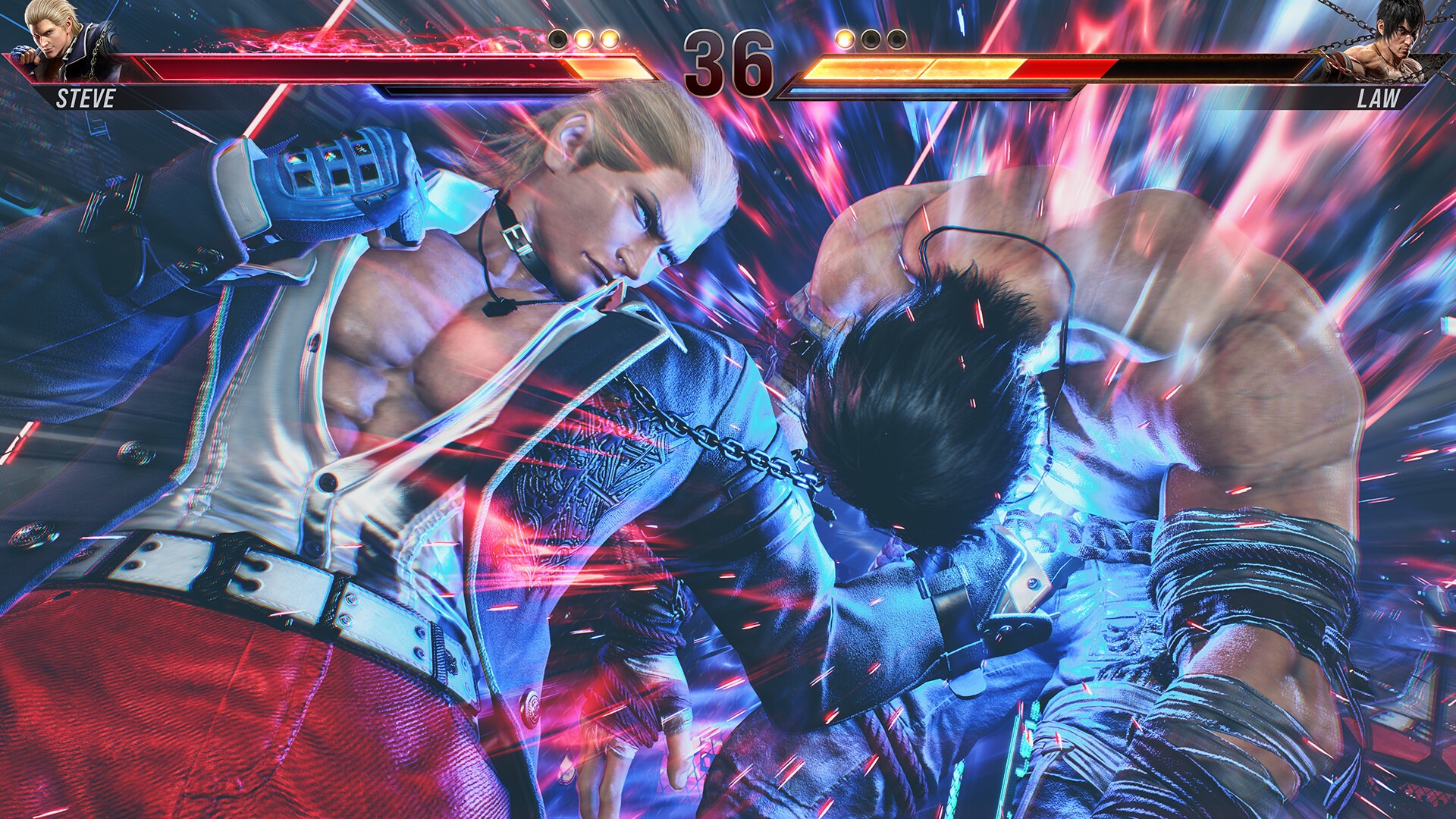
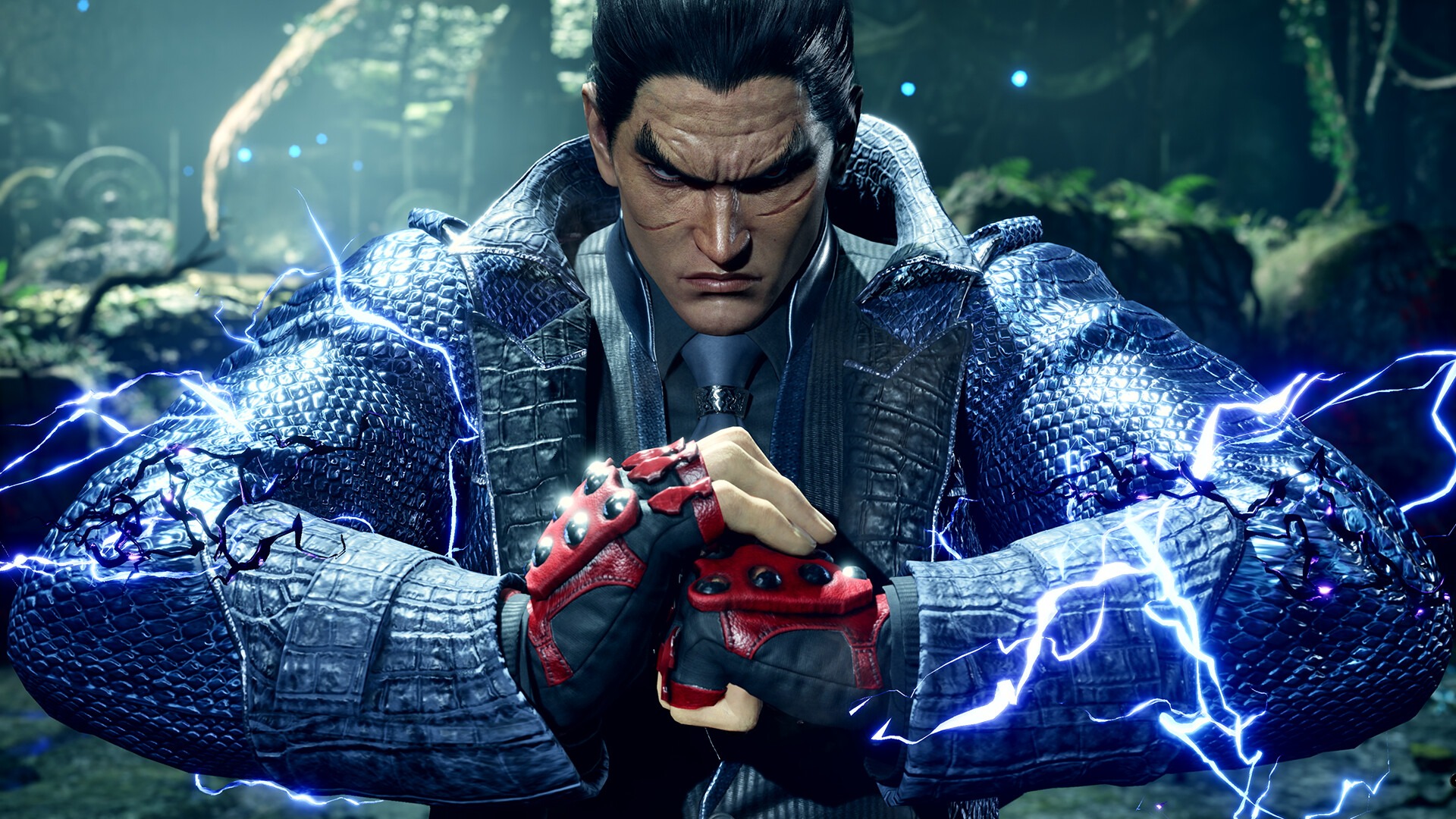
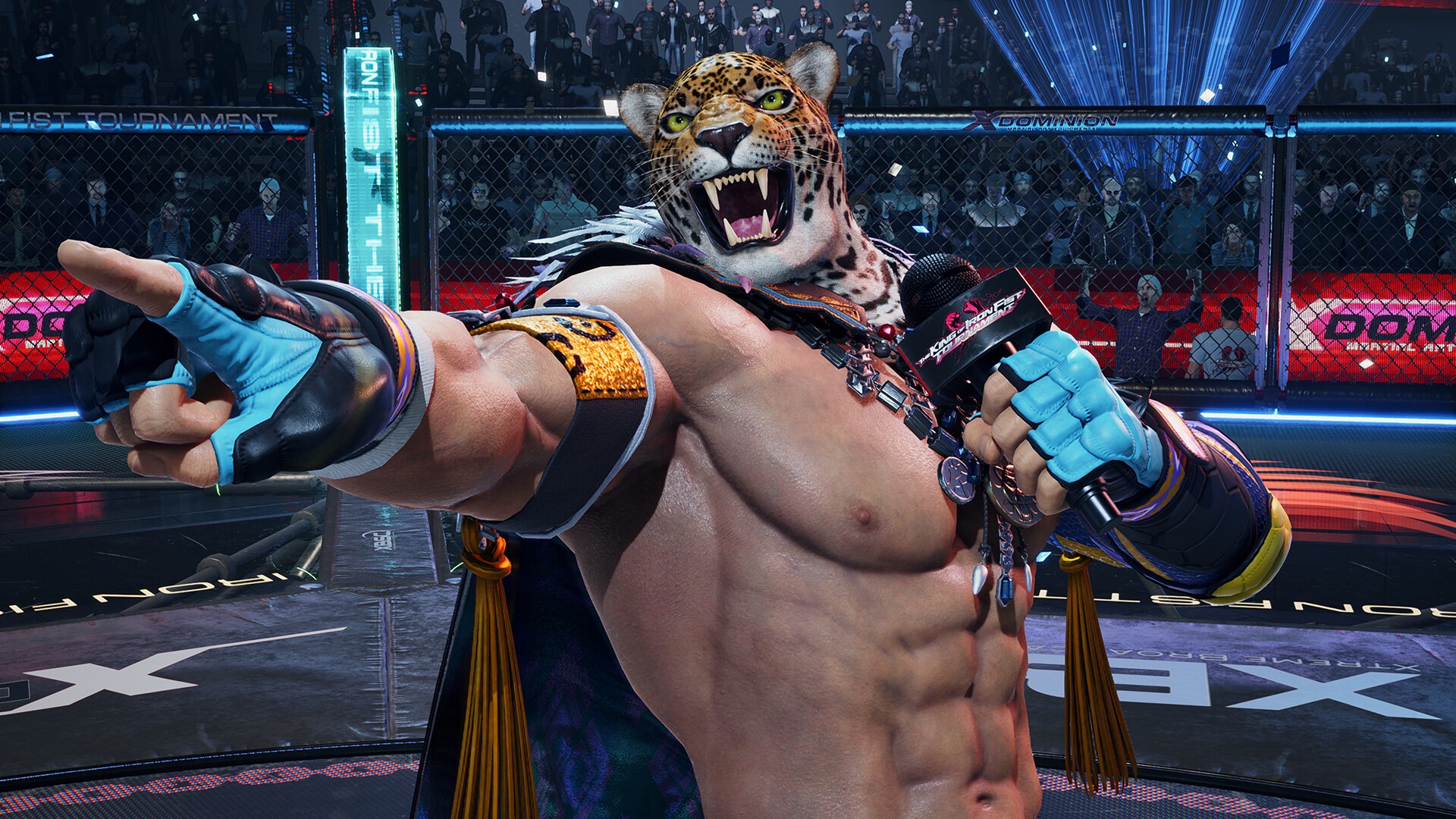
TEKKEN 8 is the latest addition to the TEKKEN series, the pinnacle of 3D fighting games. Join the fight with

TITLE: TEKKEN 8

DEVELOPER: Bandai Namco Studios Inc.

PUBLISHER: Bandai Namco Entertainment

RELEASE DATE: 26 Jan, 2024

GENRE: Fighting, 3D Fighter, Multiplayer, Action, PvP, eSports

REPACK SIZE: 85 GB

FINAL SIZE: 122 GB

REPACK BY: DODI

  • Minimum:
      • Requires a 64-bit processor and operating system
      • OS: Windows 10 64-Bit
      • Processor: Intel Core i5-6600K/AMD Ryzen 5 1600
      • Memory: 8 GB RAM
      • Graphics: Nvidia GeForce GTX 1050Ti/AMD Radeon R9 380X
      • DirectX: Version 12
      • Network: Broadband Internet connection
      • Storage: 100 GB available space
      • Sound Card: DirectX compatible soundcard/Onboard chipset
      • Additional Notes: *"FPS (frame rate/second): Stable over 60" is guaranteed and selected under the graphic settings by default when the game is launched for the first time.*Frame rate may drop when other applications are running in the background.*Please note that minimum and recommended specifications are subjected to changes without notice.
     
    Recommended:
      • Requires a 64-bit processor and operating system
      • OS: Windows 10 64-Bit
      • Processor: Intel Core i7-7700K/AMD Ryzen 5 2600
      • Memory: 16 GB RAM
      • Graphics: Nvidia GeForce RTX 2070/AMD Radeon RX 5700 XT
      • DirectX: Version 12
      • Network: Broadband Internet connection
      • Storage: 100 GB available space
      • Sound Card: DirectX compatible soundcard/Onboard chipset
      • Additional Notes: *"FPS (frame rate/second): Stable over 60" is guaranteed and selected under the graphic settings by default when the game is launched for the first time.*Frame rate may drop when other applications are running in the background.*Please note that minimum and recommended specifications are subjected to changes without notice.

1- Run the installer as administrator
2- Click on the page
3- Press the up arrow on your keyboard
4- Click Install
5- Click Continue
6- Select installation destination
7- Click Next
8- Select component
9- Install

SCREENSHOTS

DOWNLOAD LINKS

DISCUSSION

4.7 3 votes
Article Rating
Subscribe
Notify of
guest
0 Comments
Oldest
Newest Most Voted
Inline Feedbacks
View all comments