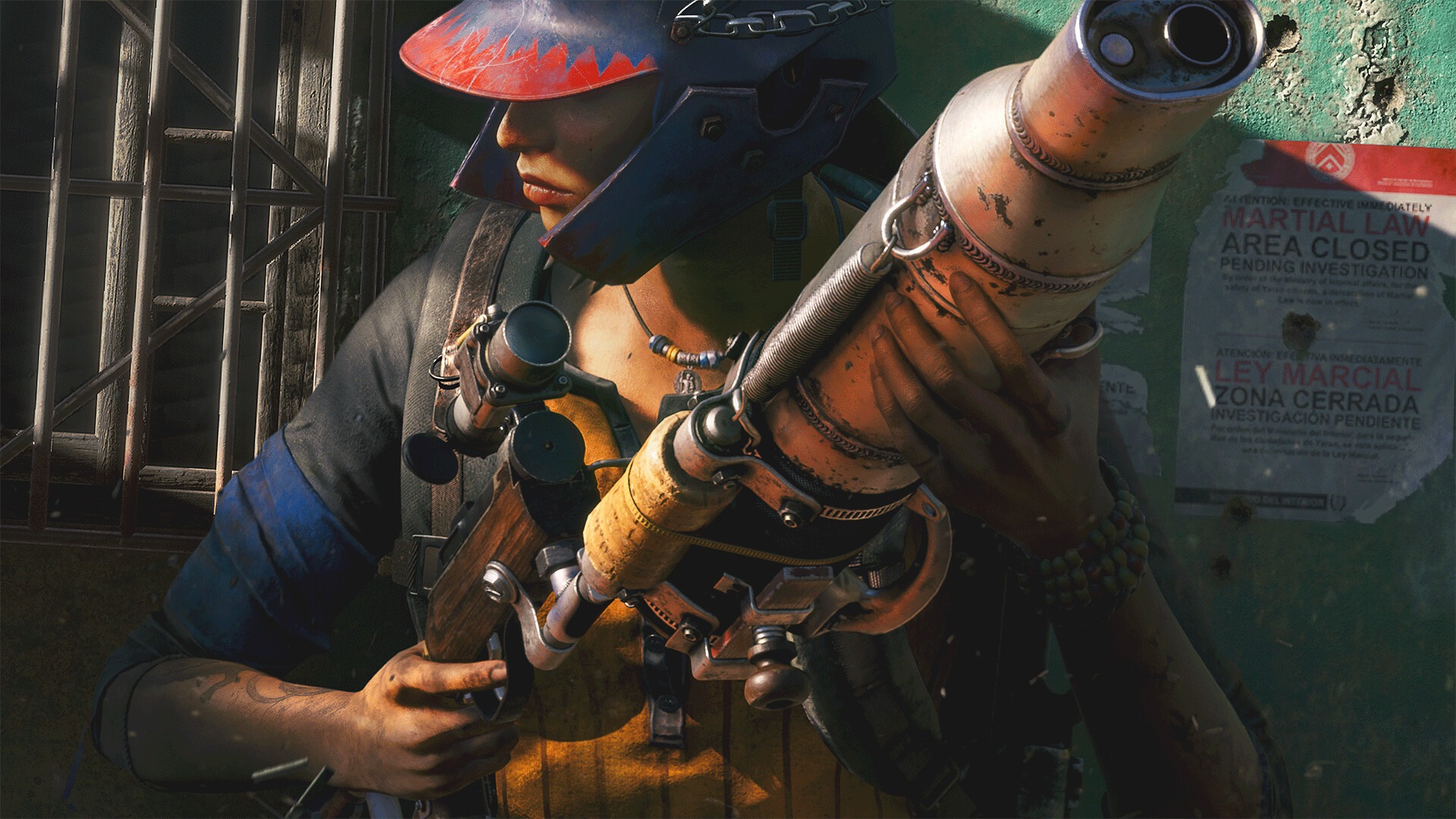
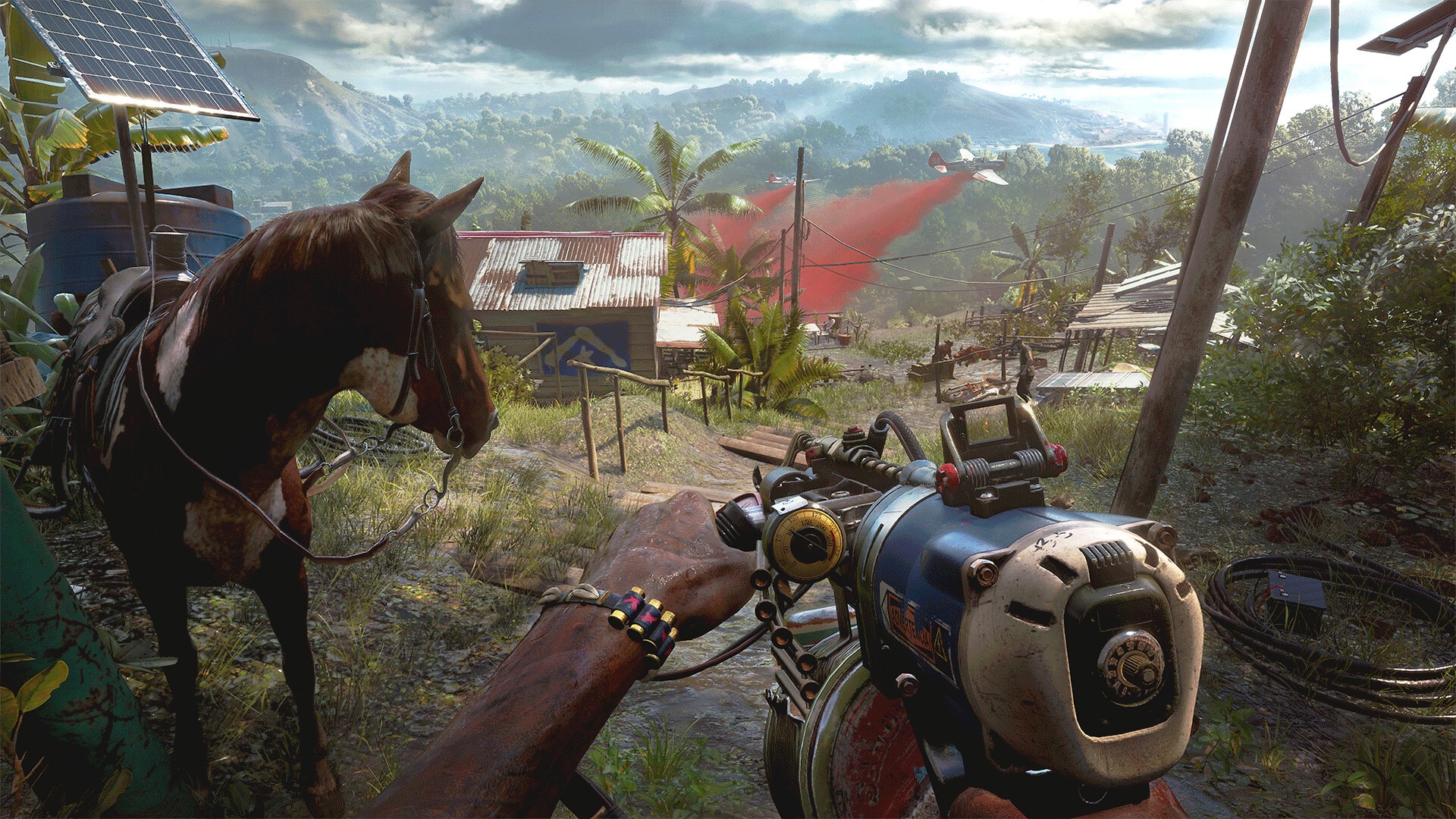
Far Cry 6 Ultimate Edition

Enter the adrenaline-filled world of a modern-day guerrilla revolution. With stunning vistas, visceral gunplay, and a huge variety of gameplay

TITLE: Far Cry 6 Ultimate Edition

DEVELOPER: Ubisoft TorontoUbisoft MontrealUbisoft KyivUbisoft ShanghaiUbisoft Berlin

PUBLISHER: Ubisoft

RELEASE DATE: 12 May, 2023

GENRE: Open World, FPS, Online Co-Op, Multiplayer, Action

REPACK SIZE: 40 GB

FINAL SIZE: 150 GB

REPACK BY: DODI

  • Minimum:
      • Requires a 64-bit processor and operating system
      • OS: Windows 10 (20H1 version or newer, 64-bit versions)
      • Processor: AMD Ryzen 3 1200 @ 3. GHz or Intel Core i5-4460 @ 3.1 GHz (AVX, AVX2 and SSE 4.2 support required)
      • Memory: 8 GB RAM
      • Graphics: AMD RX 460 (4 GB) or NVIDIA GeForce GTX 960 (4 GB)
      • DirectX: Version 12
      • Storage: 170 GB available space
      • Additional Notes: Please note that the minimum requirement for running the HD Texture Pack for Far Cry 6 is 12GB of VRAM. For 4K configurations, you will need 16GB of VRAM. If you download and run the HD Texture Pack with lower VRAM capabilities, you will encounter performance issues while playing.
     
    Recommended:
      • Requires a 64-bit processor and operating system
      • OS: Windows 10 (20H1 version or newer, 64-bit versions)
      • Processor: AMD Ryzen 5 3600X @ 3.8 GHz or Intel Core i7-7700 @ 3.6 GHz (AVX, AVX2 and SSE 4.2 support required)
      • Memory: 16 GB RAM
      • Graphics: AMD RX Vega 64 (8 GB) or NVIDIA GeForce GTX 1080 (8 GB)
      • DirectX: Version 12
      • Storage: 170 GB available space
      • Additional Notes: Please note that the minimum requirement for running the HD Texture Pack for Far Cry 6 is 12GB of VRAM. For 4K configurations, you will need 16GB of VRAM. If you download and run the HD Texture Pack with lower VRAM capabilities, you will encounter performance issues while playing.

SCREENSHOTS

1- Run the installer as administrator
2- Click on the page
3- Press the up arrow on your keyboard
4- Click Install
5- Click Continue
6- Select installation destination
7- Click Next
8- Select component
9- Install

DOWNLOAD LINKS

DISCUSSION

4.7 3 votes
Article Rating
Subscribe
Notify of
guest
0 Comments
Oldest
Newest Most Voted
Inline Feedbacks
View all comments